Build your shelves
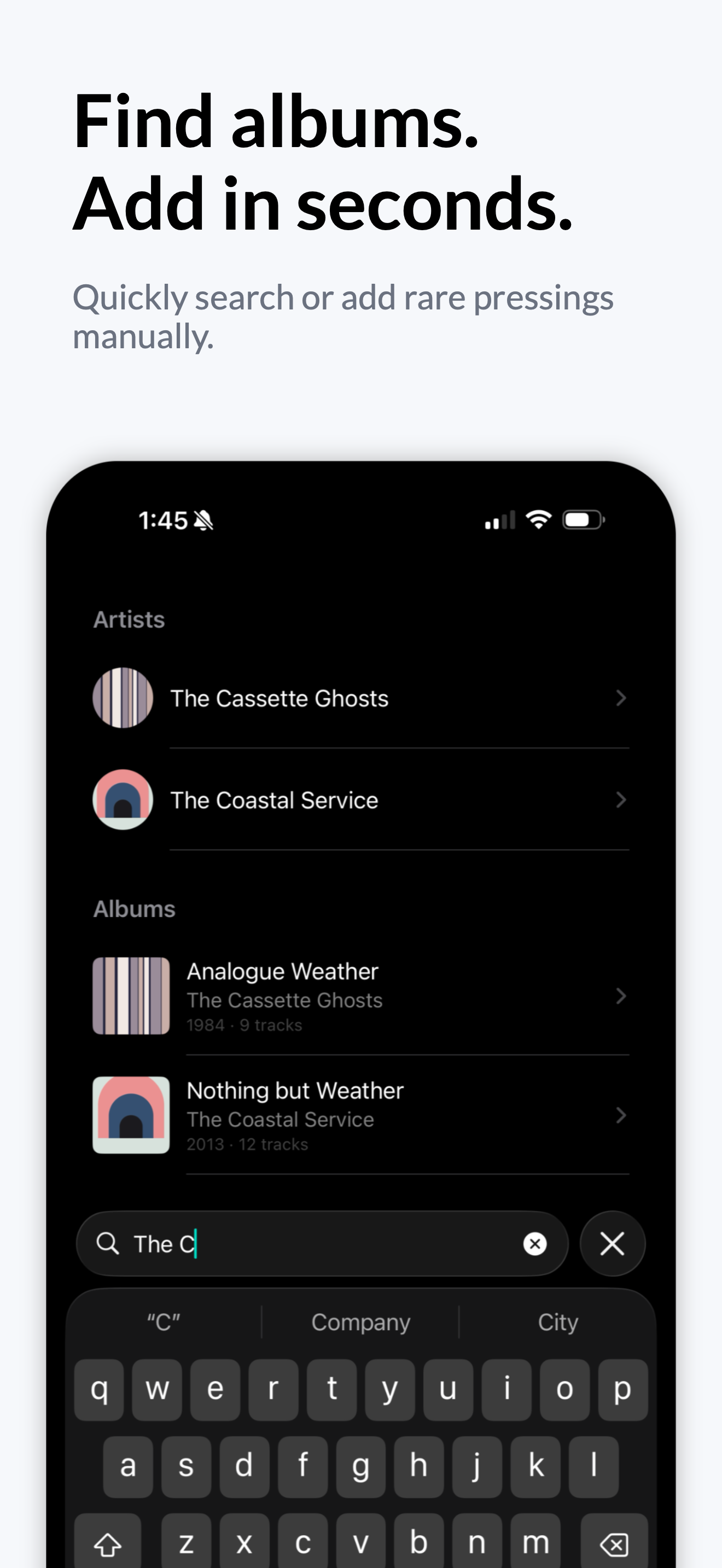
Search the Apple Music catalog to add an album in seconds, or type a record in by hand when the pressing was never listed. Own two copies? Add them both.
 Vinyl Buddy
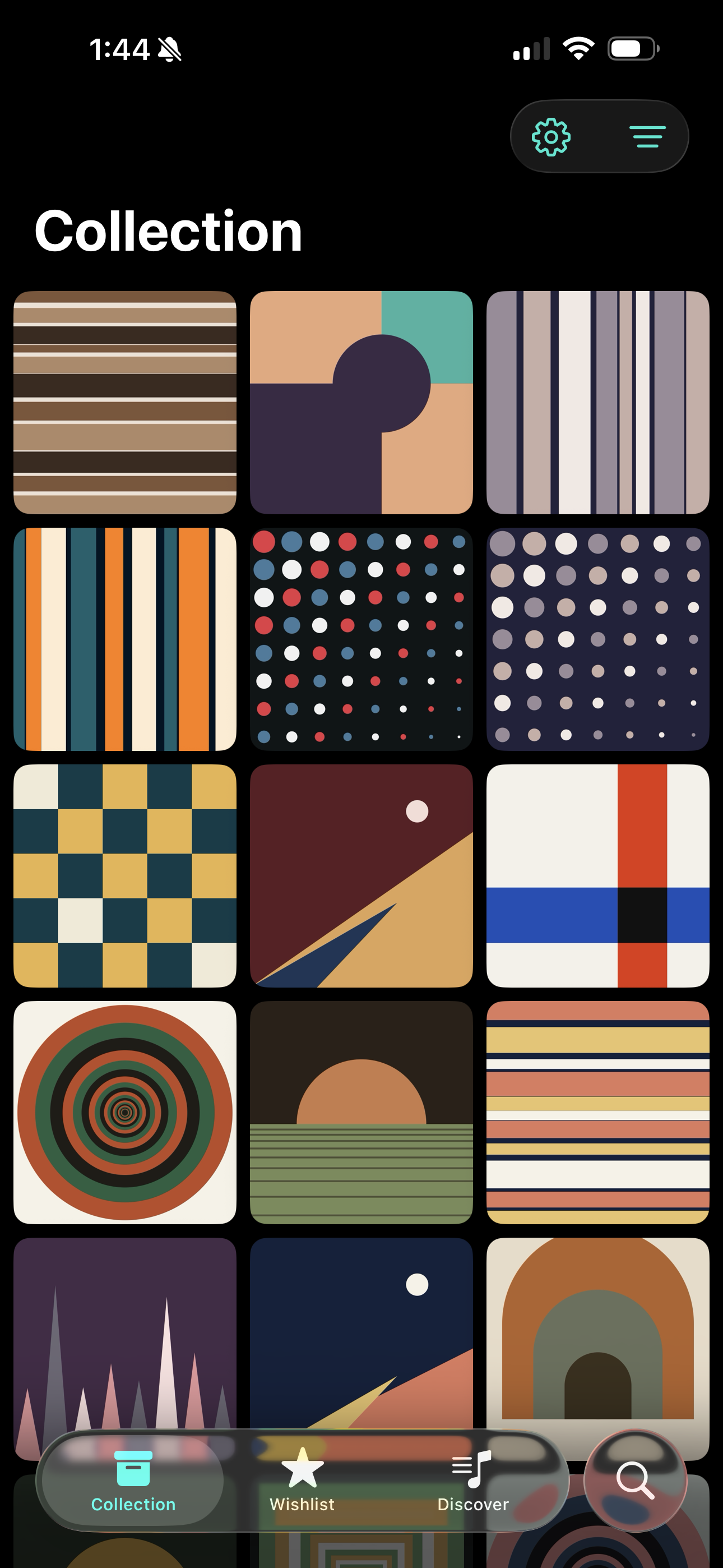
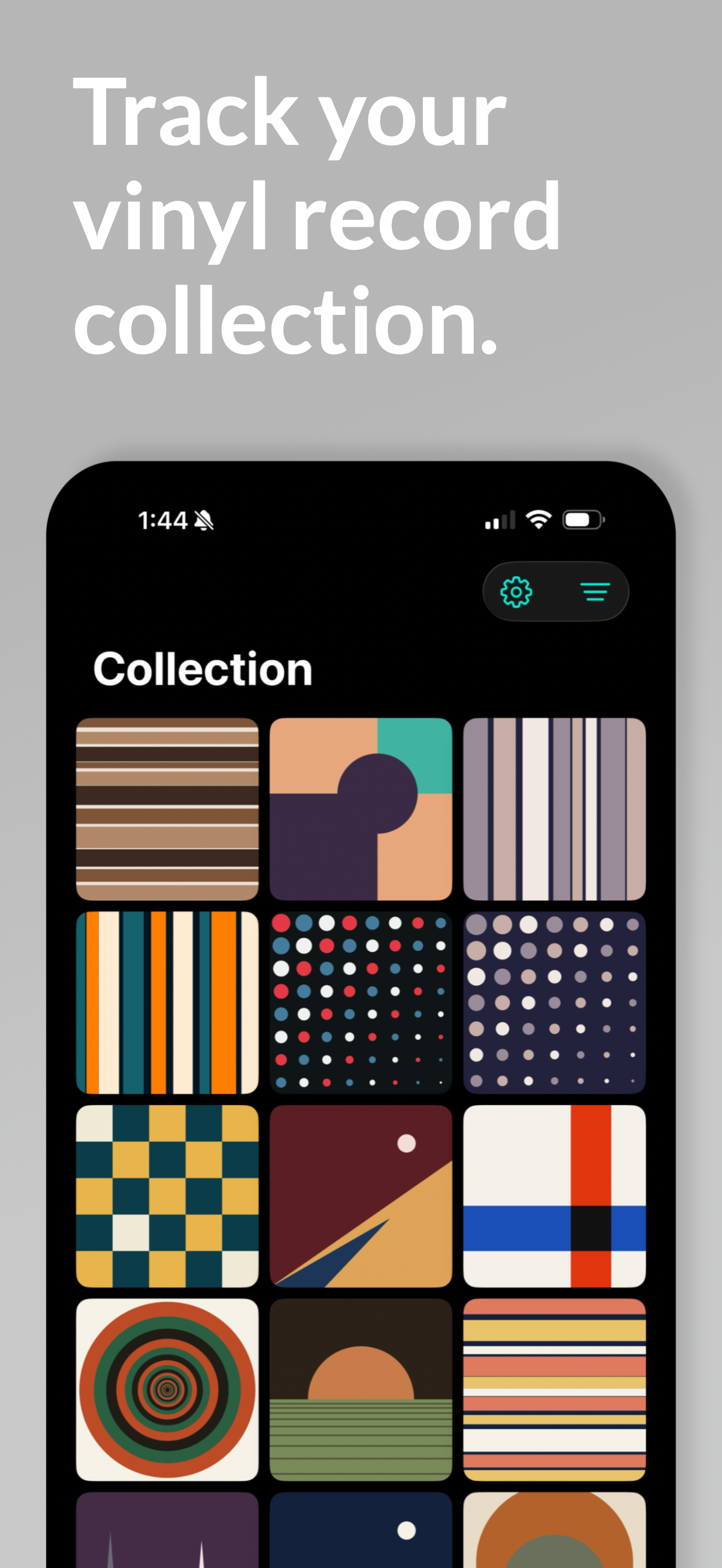
Search Apple Music to add albums in seconds, type in the pressings it never listed, keep a wishlist for the ones you are still hunting, and let Play Next decide what spins tonight.
No account.
No subscription.
Your collection stays yours.
Built for your shelf
Vinyl Buddy starts with familiar album information, then gives you the freedom to document the exact record in your hands—and helps you decide what to play once it is on the shelf.
Search the Apple Music catalog to add an album in seconds, or type a record in by hand when the pressing was never listed. Own two copies? Add them both.
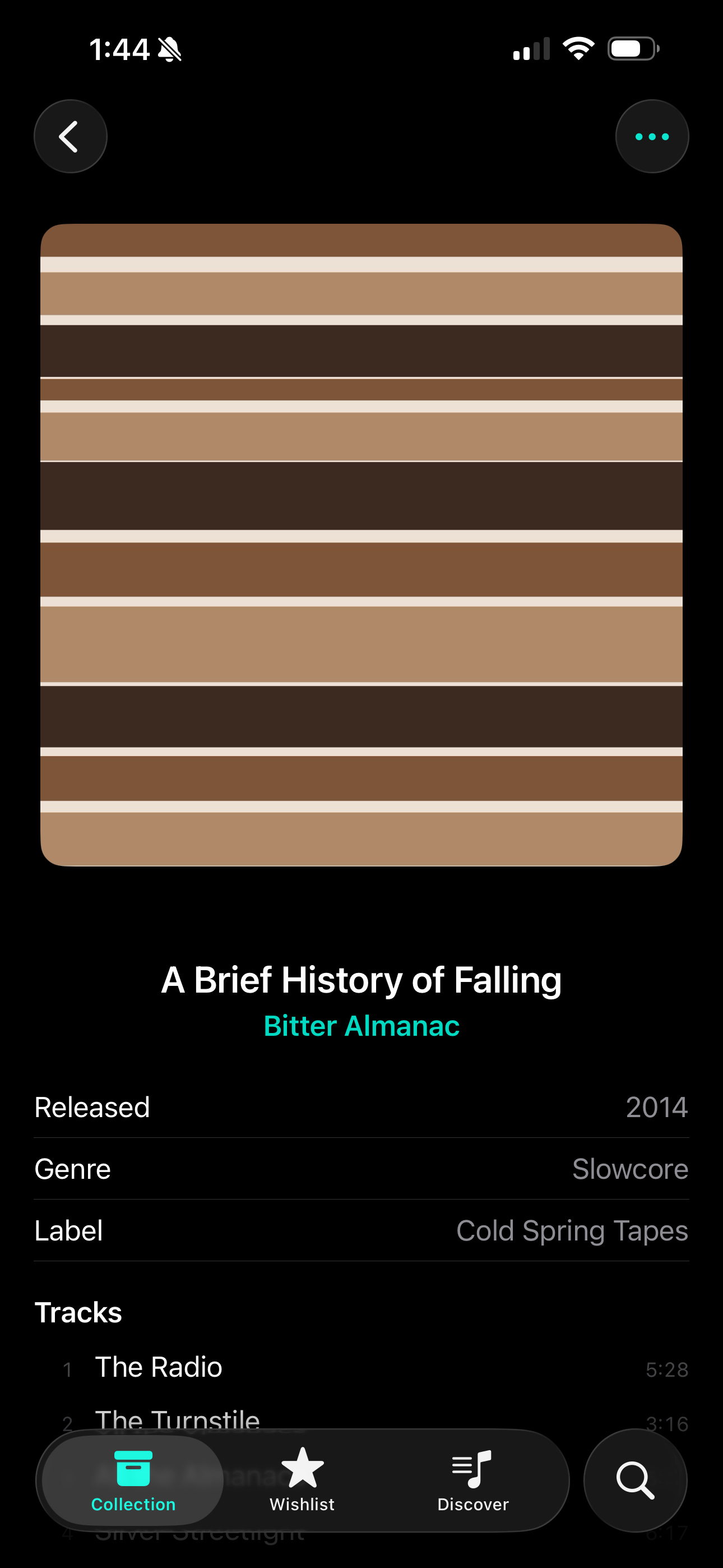
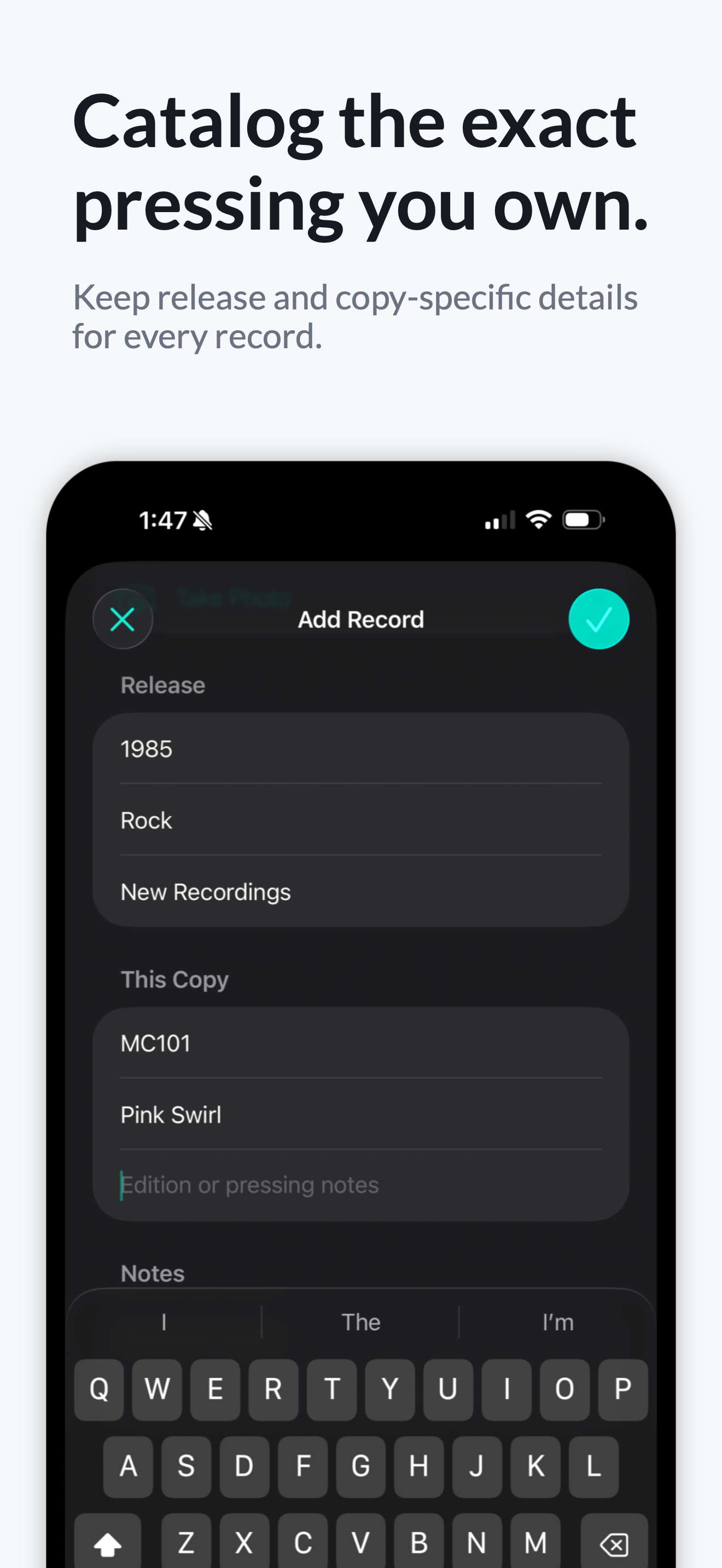
Save release year, label, catalog number, vinyl color, pressing notes, and personal notes—then photograph your own cover when a rare edition deserves the accurate sleeve.
Records you are still hunting live on their own shelf. Move one into your collection the moment you find it in the wild.
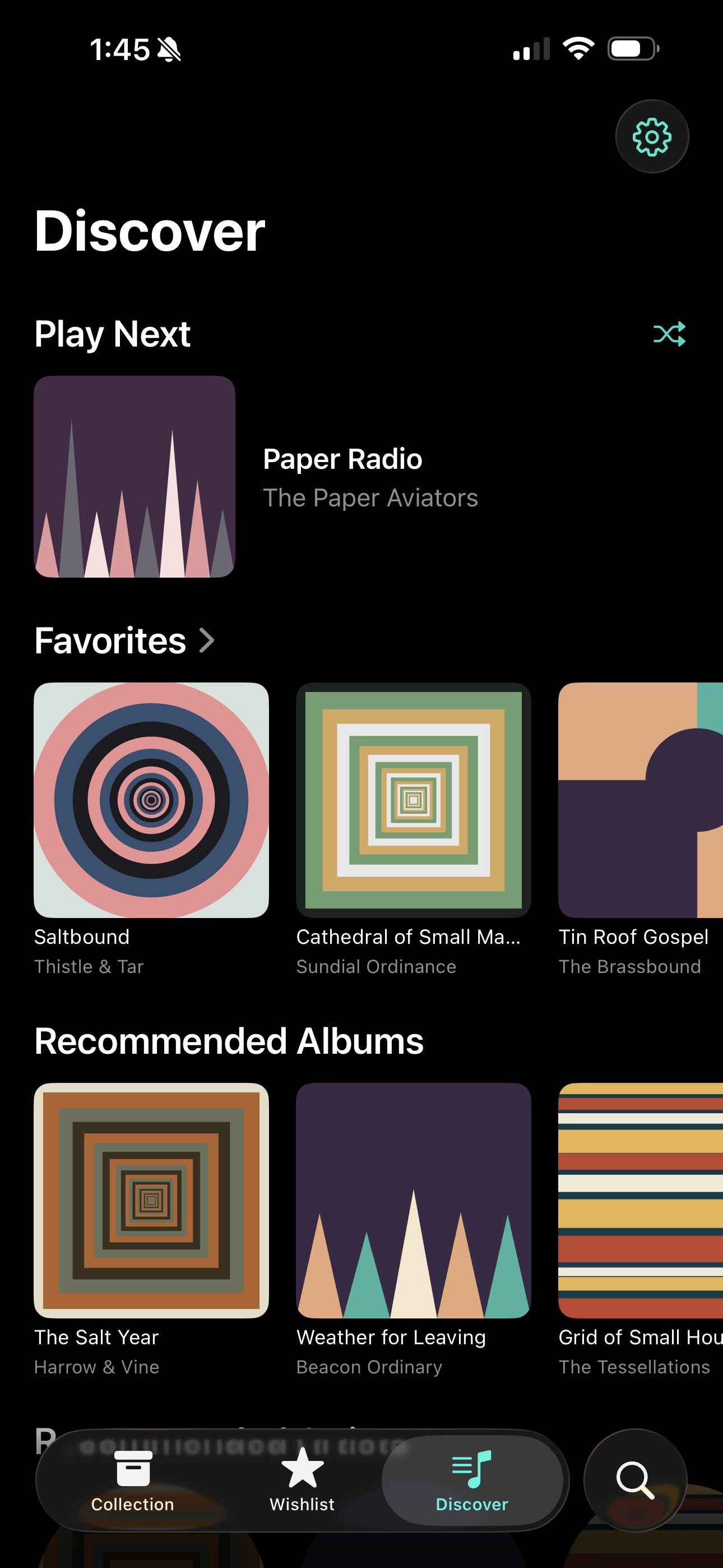
Albums and artists suggested by the records you collect, not by your listening history. Heart your favorites to steer what comes up next.
Play Next pulls a record at random from your collection. Tap the Home Screen widget for a different pick without opening the app, or ask Siri to choose for you.
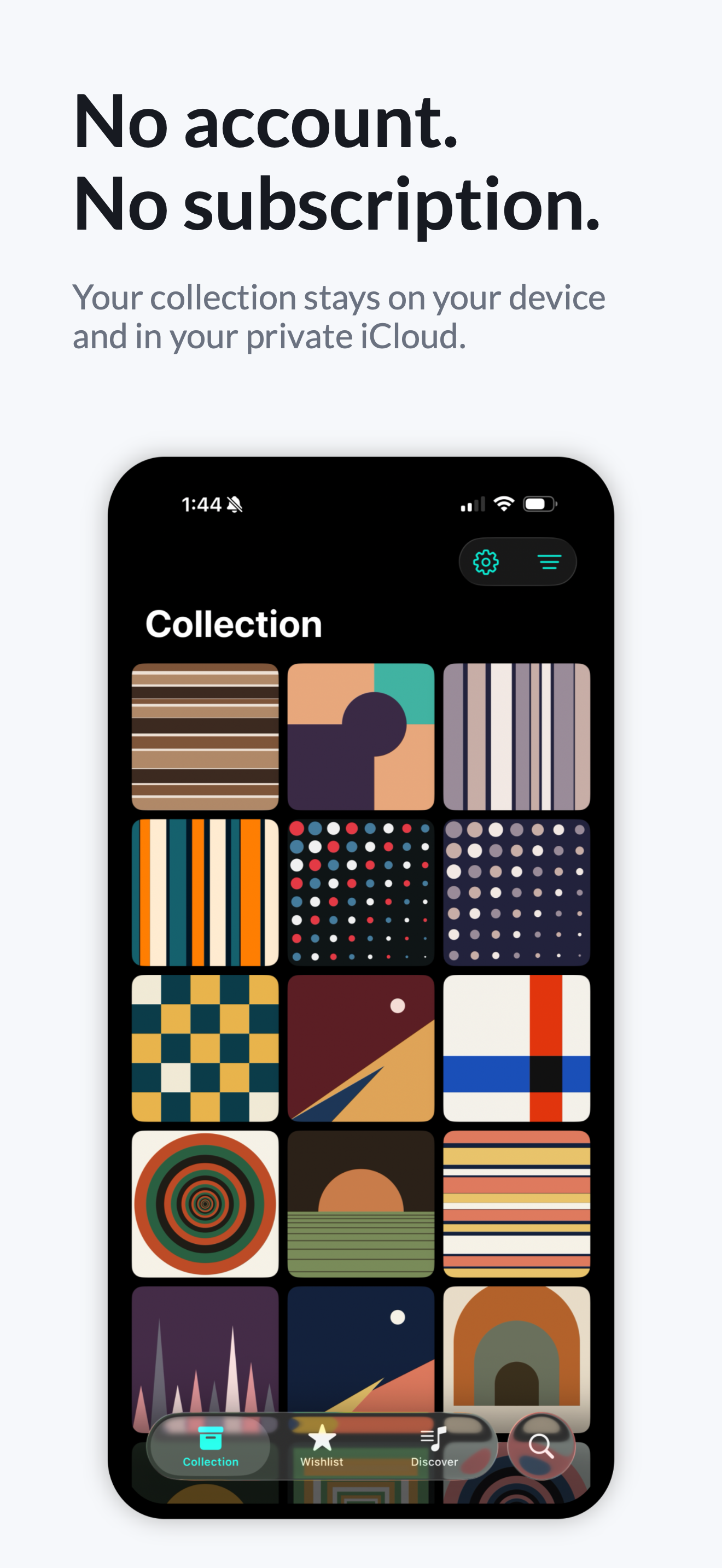
No account and no collection server. Your library stays on device, syncs through your own private iCloud, stays readable offline, and exports to CSV whenever you want.
Inside the app
Private by default
Good to know
No. Vinyl Buddy does not use the Discogs API. Album search is powered by Apple Music, and you can add any album or pressing manually.
No. Apple Music access is used for catalog search, artwork, album details, and recommendations, but a subscription is not required. You can add and manage records manually without granting access at all.
You can create the album yourself, add the information you know, and photograph your own cover. Manual entries have the same place in your collection as search results.
Yes. Vinyl Buddy imports from CSV and needs only a title column and an artist column. You can also export your whole collection to CSV at any time.
Your collection is stored on your device and, when iCloud is available, synced through your own private iCloud database so it stays in sync across your devices and readable offline. There is no account and no collection server, and Justin Willemsen does not receive or store it.
No. One purchase includes the complete app. There are no subscriptions and no in-app purchases.
Vinyl Buddy is designed for iPhone and iPad and requires iOS or iPadOS 26 or later.
Available now